Vial labels in your brand, ready for the printer
A label designer in your dashboard: your mark, colors and type on ten layouts, batch details in fields, and a QR code that opens the batch's certificate. Print on a NIIMBOT or send it to a print shop.
How it works
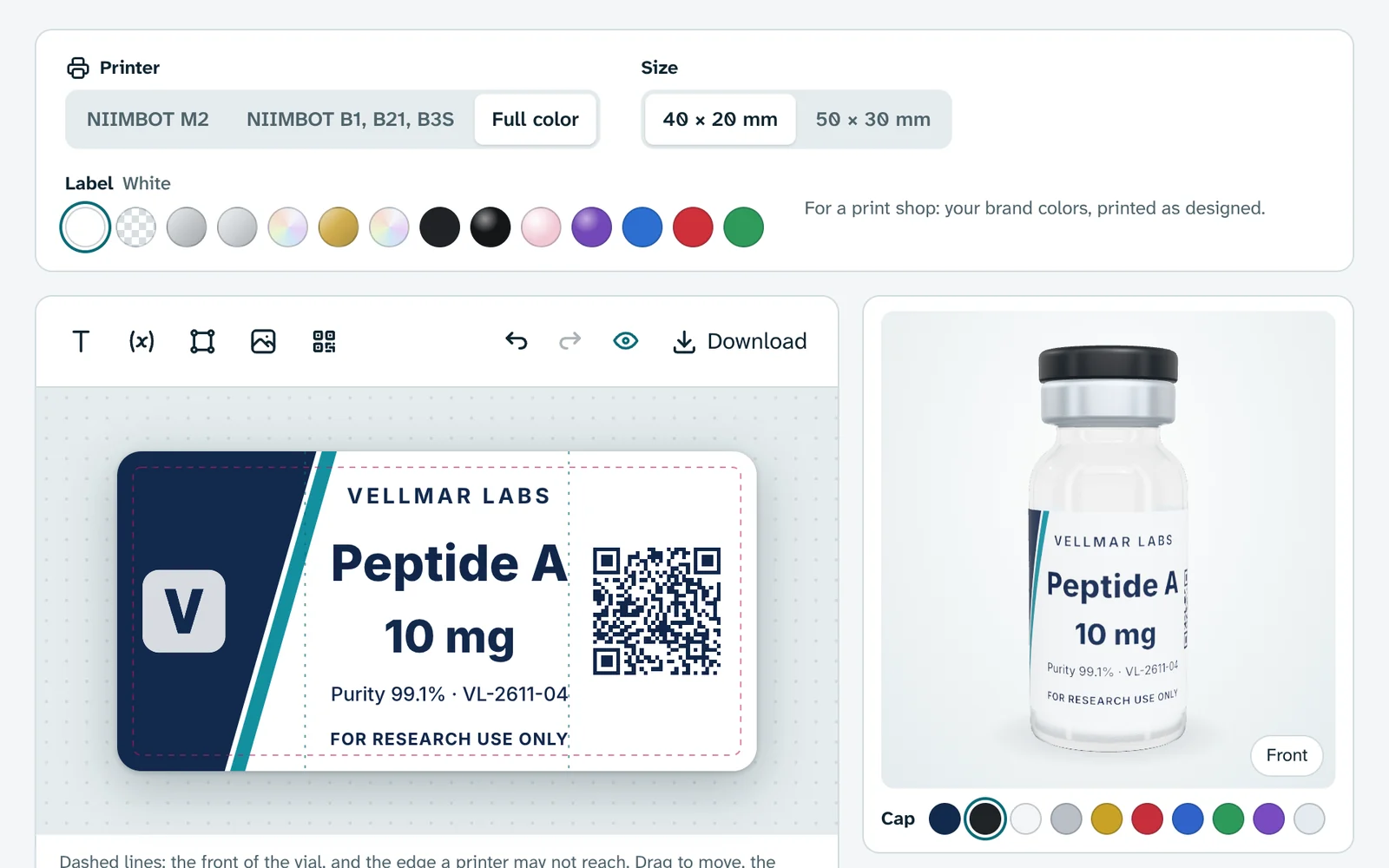
Step 1: Your brand is already on it
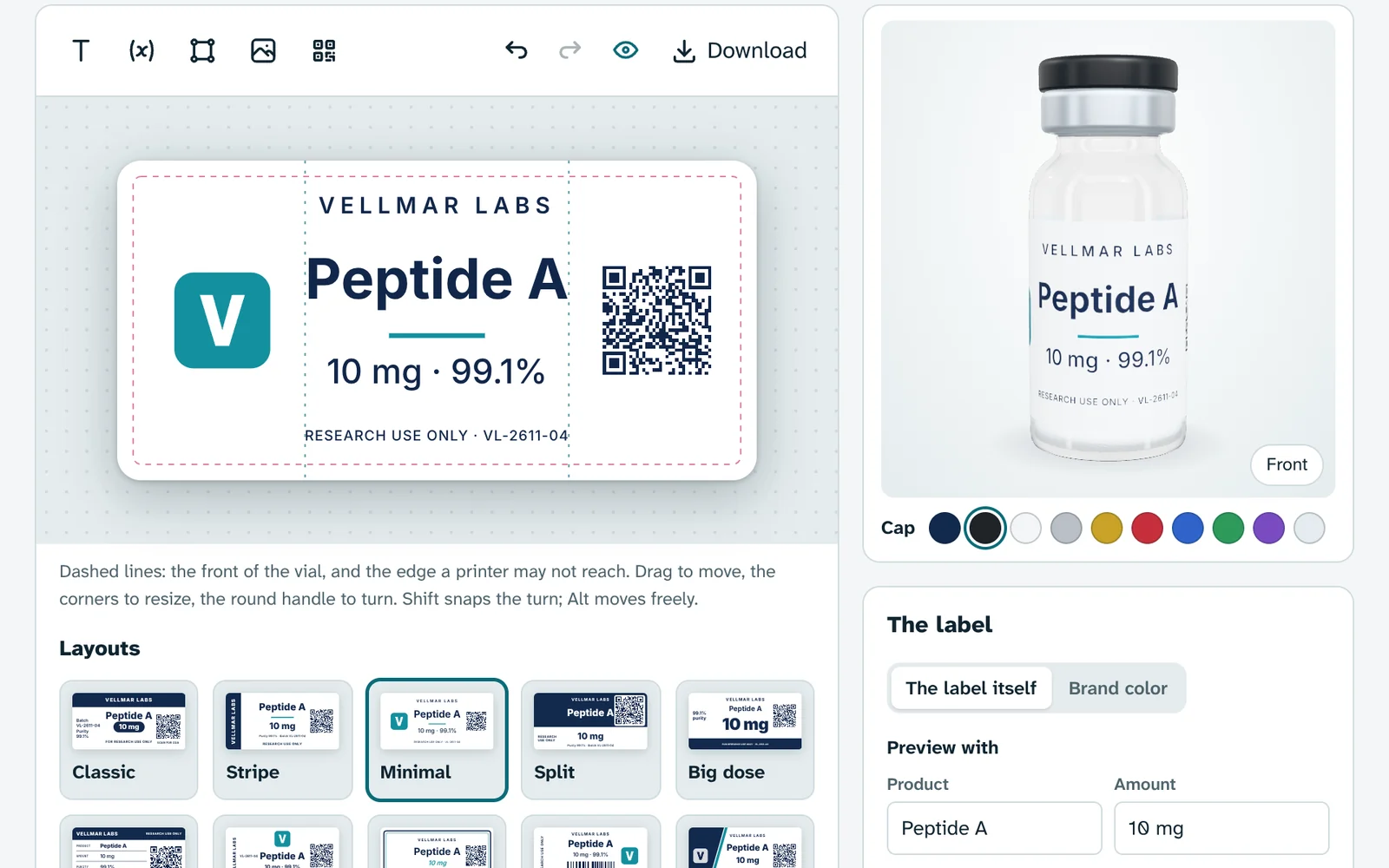
Open Vials in Branding and the label already wears your lab's name, your mark, your colors and your typefaces, straight from your brand kit. Change the brand and the label follows.
Step 2: Ten layouts, then make it yours
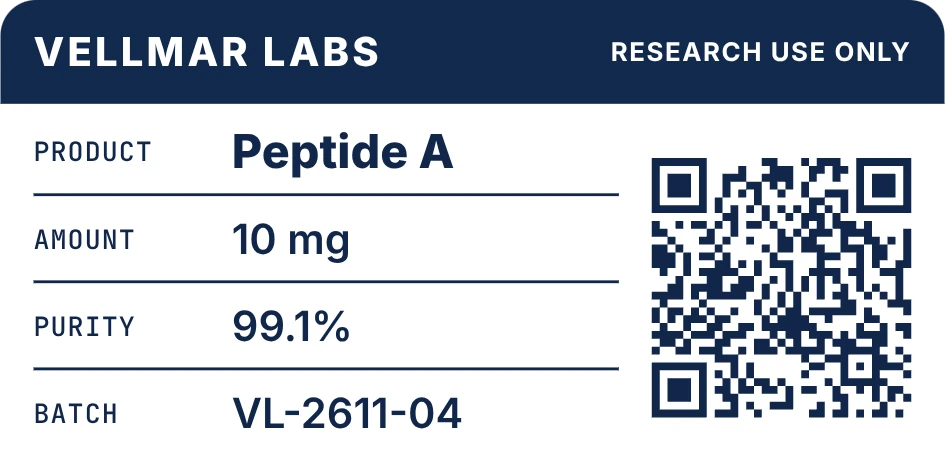
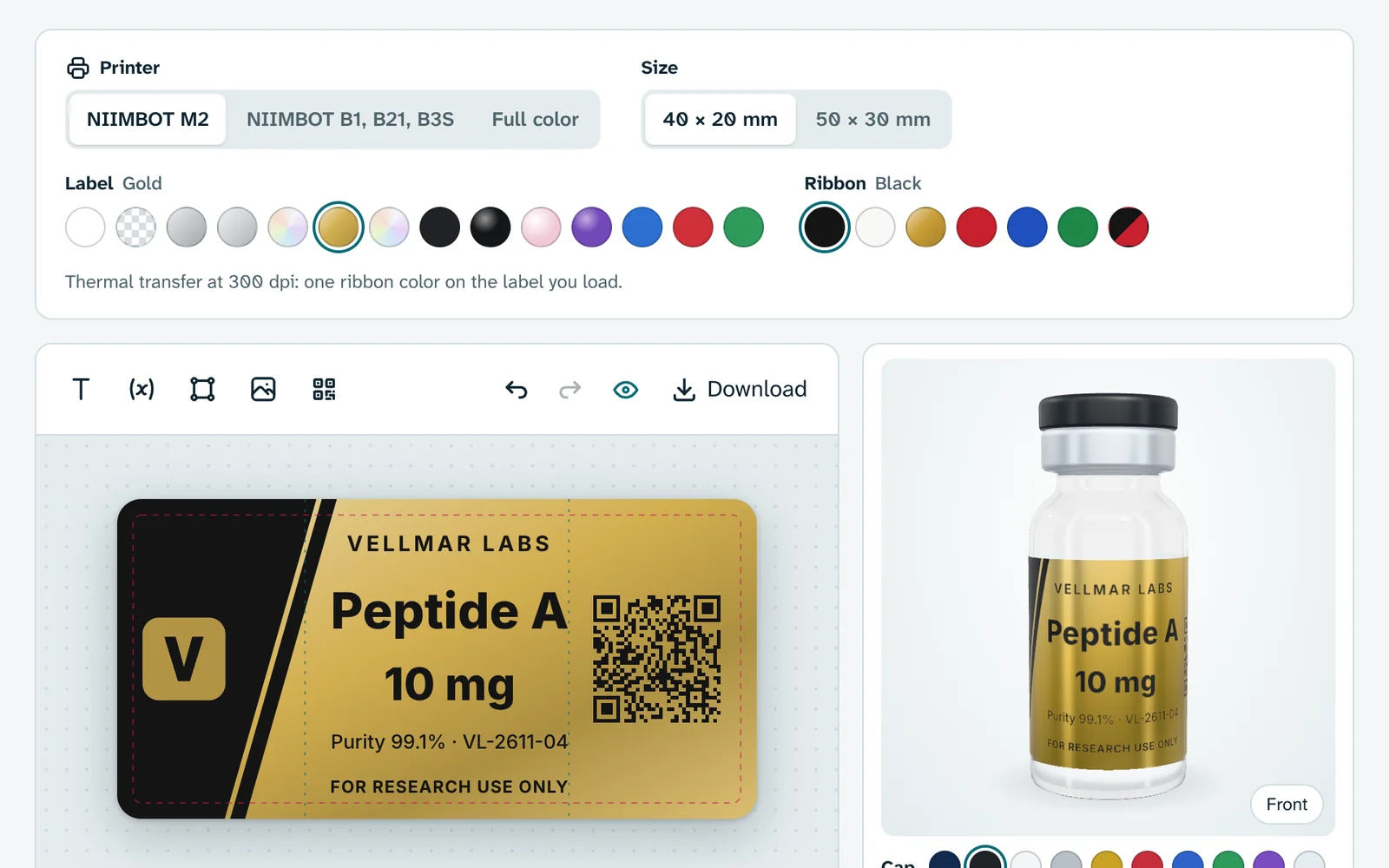
Start from Classic, Stripe, Minimal, Split, Big dose, Lab sheet, Emblem, Frame, Barcode or Diagonal. Add text, shapes, your mark, pictures and codes, then drag, resize and turn them on the canvas, with undo for every step.
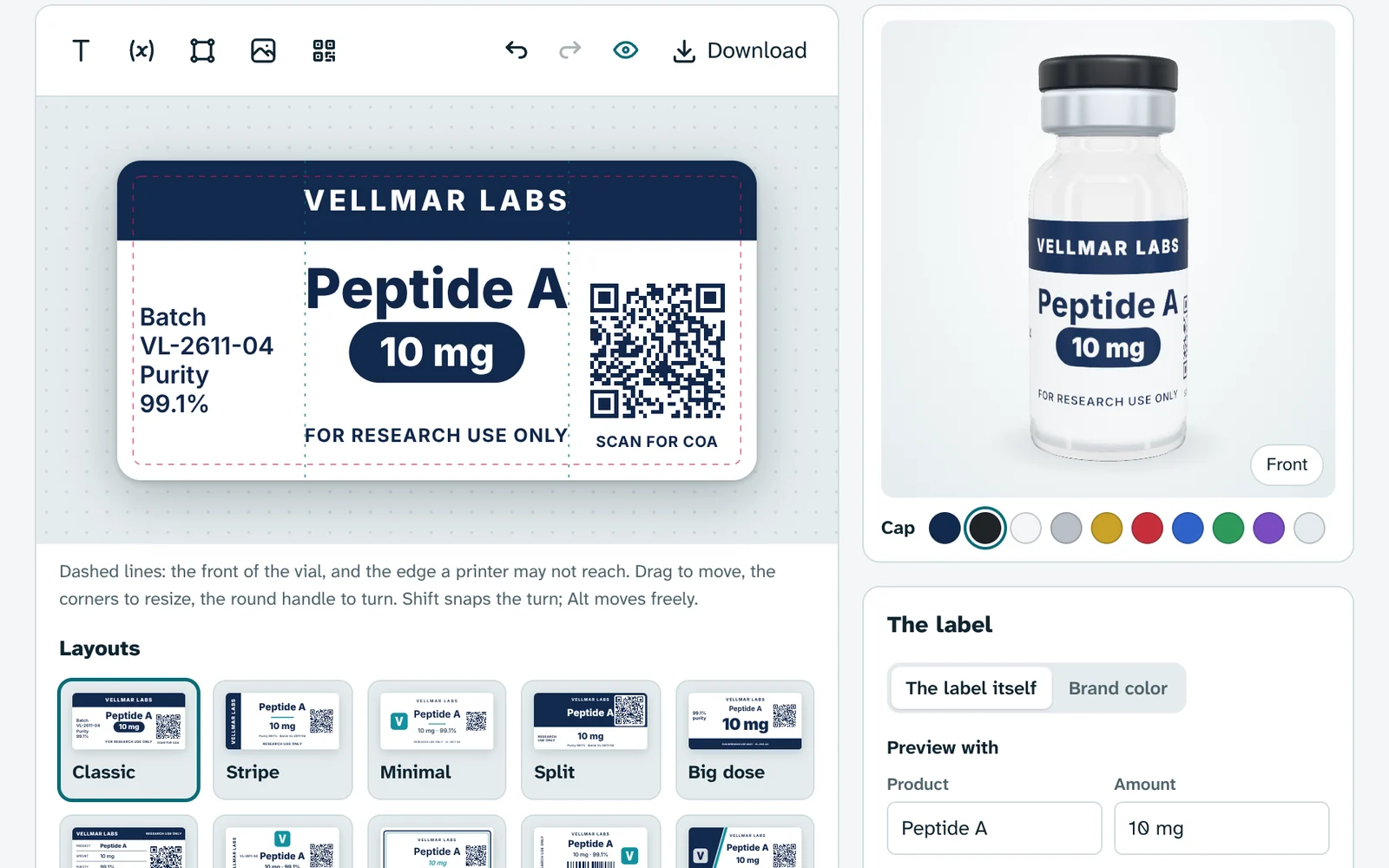
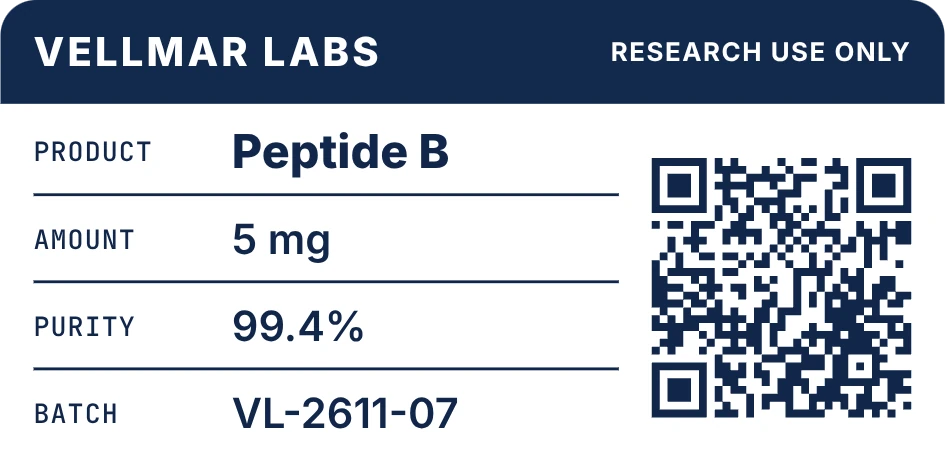
Step 3: One design for every batch
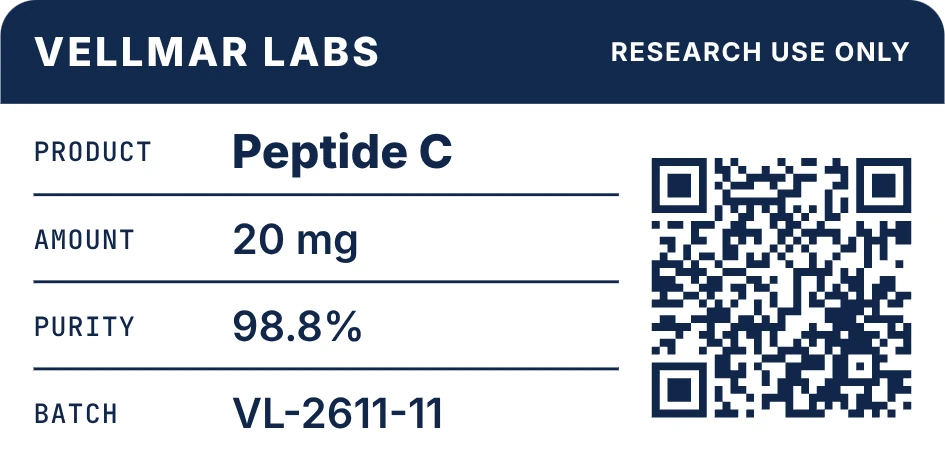
Product, amount, purity, batch and date sit on the label as fields. Type in a batch's details and the label fills them in, shrinking a long name to fit its box, ready to download for that batch.
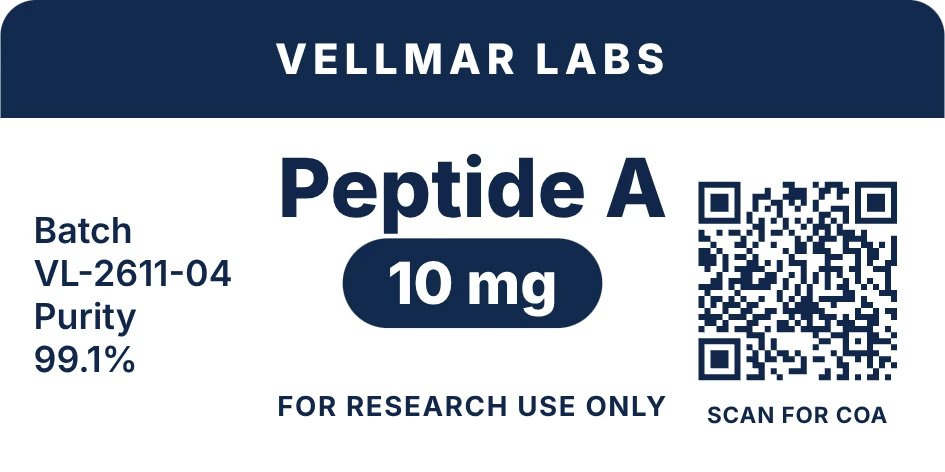
Step 4: A code that opens the certificate
The QR code holds the batch's address on your store, like vellmar.my-pepts.store/batch/VL-2611-04. Scanned, it opens the certificate of analysis you published for that batch, or your quality page when there is none yet.
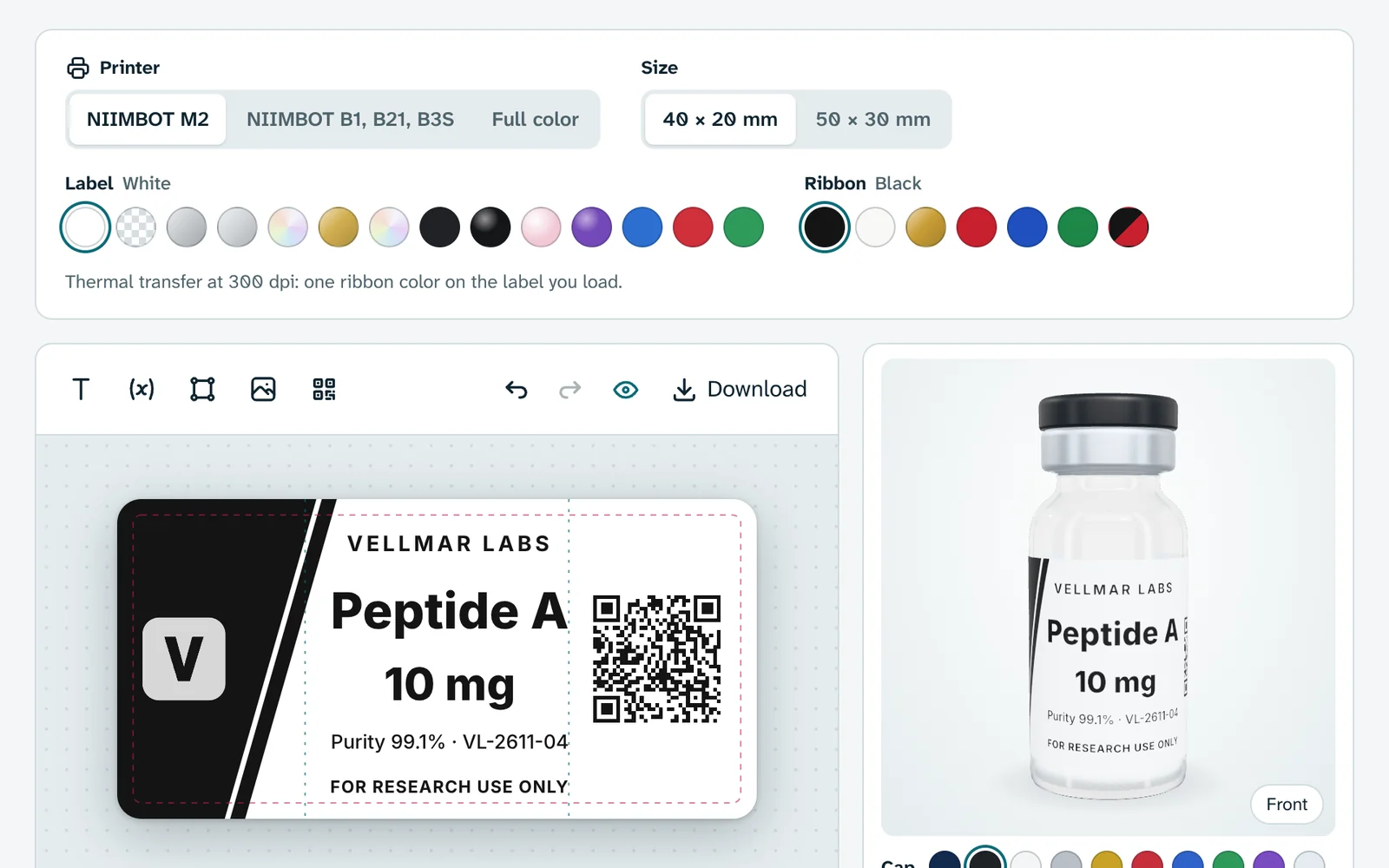
Step 5: Made for the printer you own
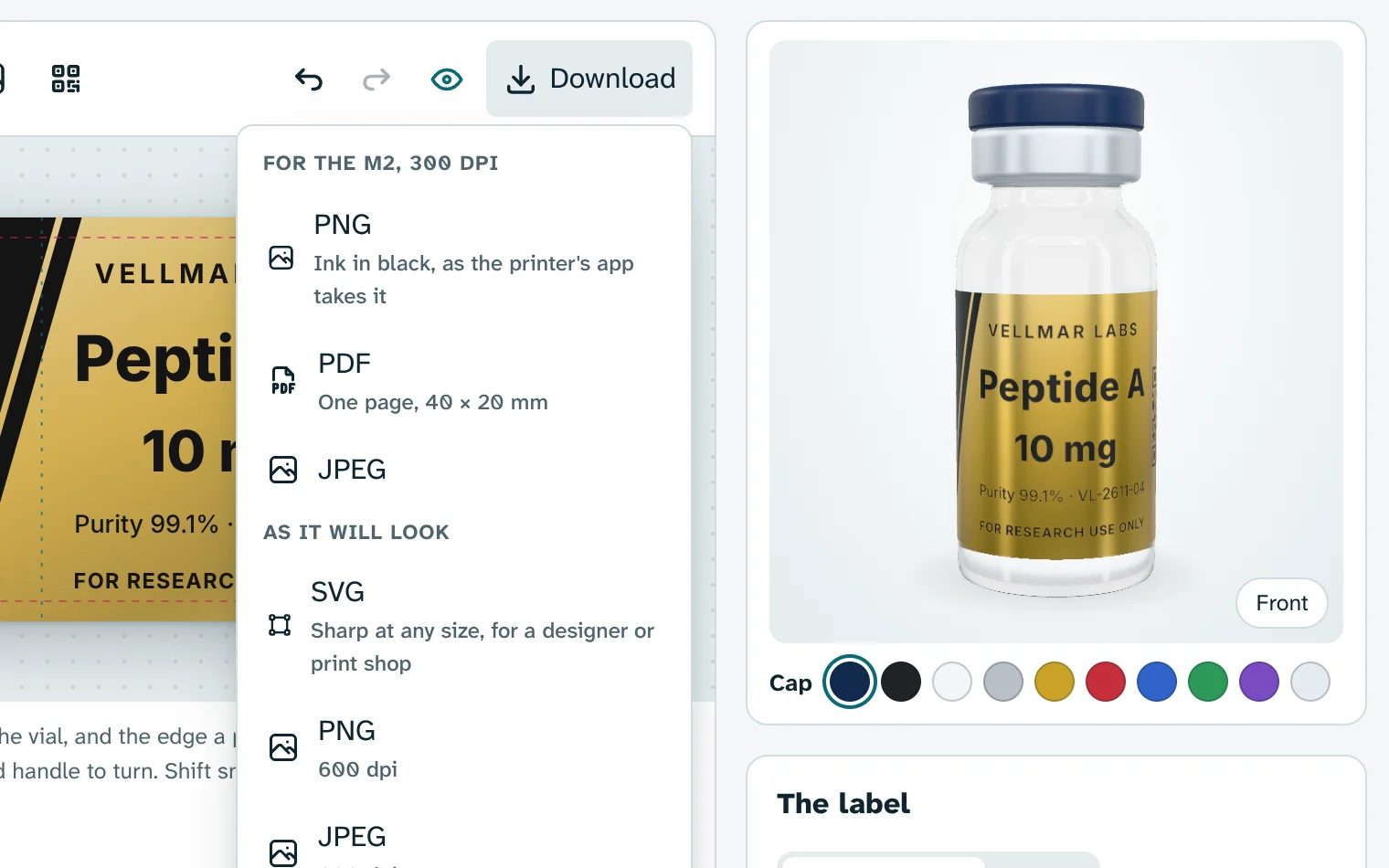
Pick a NIIMBOT M2 and the roll and ribbon you load, and the label shows in that one ink on white, clear, silver, gold, black or colored stock. The B1, B21 and B3S print black, and full color is for a print shop.
Step 6: See it on a vial, then print
Turn the label on a 3D vial with the cap color you use. Then download the file your printer's app takes, or an SVG, PNG, JPEG or PDF at 600 dpi for a print shop.
Try it on a demo lab
The designer from the dashboard, wearing a made-up lab's brand. Switch labs, pick a layout, a printer and a label, change anything on the canvas and turn the vial. Nothing here is saved.
Opening the designer…
In your store's dashboard it wears your own mark, colors and type, is saved with your brand, and downloads the files your printer takes.
Start your 14-day trialWhat it does
NIIMBOT and print shops
NIIMBOT M2 at 300 dpi with seven ribbons, from black and gold to black and red. NIIMBOT B1, B21 and B3S in black at 203 dpi. Full color, in your brand's own colors, for a print shop.
Fourteen label stocks
White, clear, three silvers, gold, hologram, matte and gloss black, pearl pink, purple, blue, red and green, each shown on the canvas and on the 3D vial, with metal, gloss and hologram finishes catching the light.
Sized for real vials
40 by 20 mm for a 3 ml vial and 50 by 30 mm for a 10 ml one. The layouts keep the product and amount in the strip that faces the shelf, and dashed guides show it while you design.
Warnings before you print
The designer tells you when an ink barely shows on the label you picked, or when a code would print light on a dark label, which some scanners cannot read.
Files for every printer
For the printer: PNG, PDF or JPEG at its own resolution, with the ink in black the way the NIIMBOT app takes it. As it will look: SVG with your typefaces inside, or PNG, JPEG and PDF at 600 dpi.
Saved with your brand
The label lives in Branding, under Vials, and is saved with the same bar as the rest of your brand. It changes nothing on your store, so saving it needs no restart.
Try it on your own catalog
Your store is live on yourlab.my-pepts.store seconds after you name it, and selling from A to Z in about 20 minutes.
More features
- PEPTOThe AI assistant built into My-Pepts. It knows what is left to launch, drafts your brand and logo, finds your domain and turns a supplier's price list into products. You approve every change.
- StorefrontA complete storefront for research peptide labs: per-size product pages, certificates, checkout rules and country stores from day one.
- BrandingYour name, mark and colors carried through the storefront, checkout and order emails, with photoreal vial renders and designers on hand when you want them.
- Order managementAn orders list that tells the truth, a packing bench on your phone, and real profit on every parcel.
- Suppliers & stockPrice lists from a WhatsApp screenshot, stock orders from a quote, parcels followed to your door and batches told apart by their labels, with PEPTO doing the typing.
- Baskets & journeysEvery basket, every visit and every step toward checkout, read as one timeline per visitor.
- Google AdsA live Google Ads panel, every click followed to its order, paid orders sent back as conversions, and an ad landing page that never names a compound.
- Email campaigns & AISend to people who asked to hear from you, fill templates from your catalog, and let PEPTO draft the words for you to approve.
- ShippingTracking numbers that fill themselves in, Royal Mail's updates passed on in your name, and orders that move to shipped and delivered on their own.